 how-to
How Do You Source Replacement Parts for Equipment?
Last Updated: November 10, 2026
Quick Summary
Start with the equipment's make, model, and serial number, then match the part number against the manufacturer's parts catalog or exploded diagram. Choose between OEM, aftermarket, used, or rebuilt replacement parts based on fit, cost, and warranty, and confirm compatibility in writing before you order.
- Gather make, model, serial number, and the failed part before starting any search.
- Confirm the serial range, since manufacturers often change designs mid-production.
- Compare OEM, aftermarket, used, and rebuilt options against urgency and risk.
- Ask the supplier to confirm compatibility in writing before placing the order.
- Log each order with its supplier, part number, and whether it fit on the first try.
Table of Contents
- Start With the Equipment Record
- Identifying the Correct Replacement Part
- Choosing Between OEM, Aftermarket, Used, and Rebuilt Parts
- Checking Equipment Parts Compatibility
- Finding and Verifying Suppliers
- Comparing Total Cost, Lead Time, and Downtime
- Logging Each Order So Your Next Repair Goes Faster
- Frequently Asked Questions
Start With the Equipment Record
Sourcing a replacement part goes faster when you already know what you are looking for, and a clear record makes it easier to find the right replacement parts. Teamstead Crew's Maintenance Hub keeps equipment records, manuals, and repair history in one browser-based workspace, so the crew can look up the make, model, and serial number before a search begins.
Gather the basics first: equipment make, model, serial number, and the part that failed. Note the date and hours of the failure if your team tracks them. Record what the crew already knows about past replacements.
Keeping these details in one place saves repeat questions. It also helps the next person who orders parts for the same machine.
Identifying the Correct Replacement Part
The correct part is the one that fits the specific machine, not just the category. Start with the equipment's own documentation, such as the parts catalog, exploded diagram, or data plate.
Check these details before you order:
- Make and model: Confirm the exact model, not a similar one.
- Serial number: Serial ranges often mark design changes.
- Part number: Match the number to the parts catalog.
- Position: Confirm left versus right, front versus rear.
Mismatched parts often look similar. A small difference in mounting holes or length can stop an installation cold.
When the Part Has No Label or Part Number
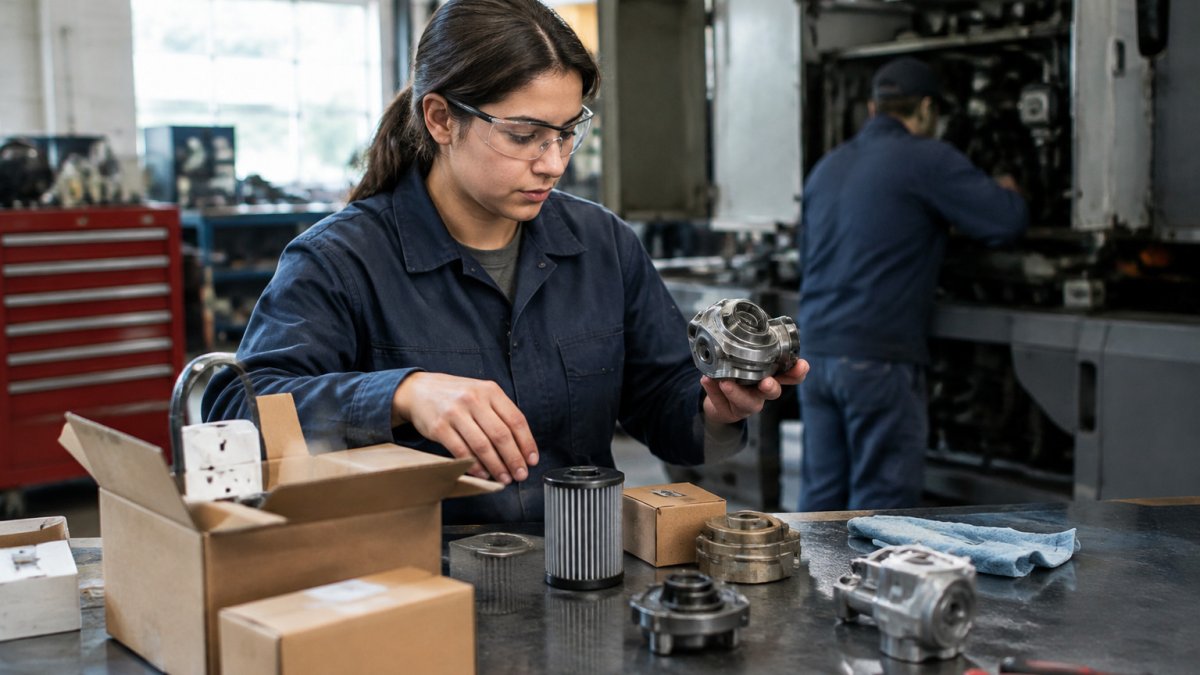
Some parts arrive without markings, or the number has worn off. Start by measuring the part and photographing it from several angles. Compare those photos and measurements against the equipment's exploded diagram.
Ask the crew member who removed the part what it connected to. Note the surrounding components, since a part's position often identifies it. Store these photos and notes in the equipment record so the next person does not need to repeat the work.
Choosing Between OEM, Aftermarket, Used, and Rebuilt Parts
Each part type trades cost against fit, warranty, and availability. Weigh the options against the repair's urgency and risk.
- OEM (original equipment manufacturer): Made by or for the equipment maker. Fit is usually predictable, but cost and lead time can be higher.
- Aftermarket: Made by another company to match the original. Price is often lower, but quality varies by supplier.
- Used: Pulled from another machine. Low cost, but condition and remaining life are uncertain.
- Rebuilt or remanufactured: A used part restored to working condition. Often a middle ground, but the rebuild quality matters.
For safety-critical or hard-to-replace components, many crews favor OEM or a verified rebuild. For routine wear items, a quality aftermarket part may be the practical choice.
Checking Equipment Parts Compatibility
Compatibility is more than matching a part number. Confirm fitment against the equipment's serial range, because manufacturers often change designs mid-production.
Use this quick checklist before you buy:
- Model and serial range match the supplier listing
- Dimensions and mounting points match the original
- Any cross-reference numbers are confirmed by the supplier
- Return or exchange terms are clear if the part does not fit
Ask the supplier to confirm compatibility in writing. A written confirmation gives you something to point to if the part does not fit.
Finding and Verifying Suppliers
Reliable sources for replacement parts usually fall into three groups: the equipment manufacturer, authorized dealers for that brand, and independent suppliers who resell or remanufacture parts. You can search and compare parts sources directly on the Parts Finder. Each group has trade-offs. Manufacturers and authorized dealers typically offer the clearest part-number matching and documentation. Independent suppliers can be faster or more flexible on older machines, but they vary widely in how much they verify what they sell.

Because the supplier you choose determines whether the part arrives correct, it helps to run a short verification pass before you place an order. Work through these checks in order:
- Confirm the seller is real. Look for a physical business address, a working phone number, and a named contact. Search the company name alongside the word "complaint" or "lawsuit" to see whether past buyers have raised problems. Be cautious of sellers who only offer a web form or a messaging app.
- Ask what the inventory claim means. A listing that says "in stock" may mean the item is on a shelf, on order, or available from a partner warehouse. Ask the supplier to state the ship-from location and an expected ship date in writing.
- Request the part number and cross-references in writing. A reputable supplier will confirm which OEM number the part replaces and which serial range it fits. A supplier who avoids this question, or who gives a number that does not match your equipment catalog, is a reason to stop.
- Check the payment method. Pay with a traceable method that offers buyer protection. Avoid requests to pay by wire transfer, gift card, or cryptocurrency for a first order, and be wary of any seller who pushes you off the original platform to finish the sale.
- Read the return terms before you pay. Confirm who pays return shipping, how long you have to report a wrong or defective part, and whether a restocking fee applies. Save a copy of the terms with the order record.
Watch out: a listing priced far below the rest of the market is one of the more common signs of a counterfeit or misrepresented part, so compare the quoted price against two or three other sources before you commit.
For each order, keep the supplier's name, the written part-number confirmation, the payment record, and the return terms together in the equipment's file. If a part later fails or does not fit, that record makes the claim much faster to resolve. Teamstead Crew's Maintenance Hub can hold those records alongside the equipment history and the related work order, so the next person who orders for the same machine can see which suppliers have worked out before. Teamstead Crew requires an internet connection to access those records, so keep a printed copy of key supplier details for job sites with weak signal. You can explore how these records are organized at Teamstead Crew.
Comparing Total Cost, Lead Time, and Downtime
The quoted part price is only the starting point. A cheaper part that takes three weeks to arrive can cost more overall than a higher-priced part that arrives in three days, once you account for the machine sitting idle. Comparing options fairly means adding the costs that do not appear on the invoice.
A practical way to compare two or more sources is to build a simple landed-cost worksheet with one row per option and these lines: you can check supplier results, stock, and nearby stores in the Parts Finder while you fill it in.
- Part price from the supplier quote.
- Shipping and handling, including any expedite charge.
- Duties, taxes, or customs fees if the part crosses a border. These depend on the origin, the classification of the part, and the destination, so confirm them with the carrier or a customs broker rather than estimating.
- Installation labor, including any extra time if the part requires special tools or a second person.
- Expected service life, noted as a judgment based on the part type, past experience with the machine, and what the supplier states in its warranty. Use this to ask how often the repair is likely to recur, not to project a precise number.
- Warranty coverage and claim effort, meaning who handles a failure and how long it takes.
- Downtime cost, meaning what it costs your operation for the machine to be out of service for each additional day. Only your crew can estimate this, based on the work that stops, the jobs that slip, and any rental or subcontracted coverage you would need.
Once the rows are filled in, look at the total for each option across the time the machine is expected to be out of service, not just the purchase price. Options with a shorter lead time often win when downtime is expensive. Options with a lower total can be the better choice when the machine is a backup or when the repair can wait.
Lead time deserves its own check. Ask each supplier whether the quoted time is from order to ship or from order to delivery. Ask whether the part is in stock at the supplier, held at a partner location, or built to order. A stated lead time that depends on confirmation or a backorder is a reason to plan a fallback.
Watch out: a part that fits on the first try saves more time than almost any price difference, so a small premium for a verified fit is often worth it on a machine that is critical to the day's work.
Record the figures you used in the equipment's work record, along with the date of each quote. Over several repairs, these notes show which sources have been cheapest in total, not just cheapest on the invoice. Teamstead Crew's Maintenance Hub can keep these notes with the request, assignment, and repair history for each machine, which makes the comparison easier to repeat. Teamstead Crew requires an internet connection, so if you check quotes on a job site with weak signal, write the figures on paper and enter them when you are back in range. To see how the records are structured, visit Teamstead Crew.
The quoted part price is only one piece of the total, so the article suggests comparing these costs side by side.
| Cost line | What to check | Note |
|---|---|---|
| Part price | Supplier quote | Starting point only |
| Shipping and handling | Include any expedite charge | Adds to the landed cost |
| Duties, taxes, customs | Confirm with carrier or broker | Depends on origin and destination |
| Installation labor | Extra time for special tools or a second person | Often overlooked |
| Warranty and claims | Who handles a failure and how long it takes | Affects total effort |
| Downtime cost | Cost of each extra day out of service | Only your crew can estimate |
Logging Each Order So Your Next Repair Goes Faster
Record every part order against the equipment's history. Note the supplier, part number, order date, arrival date, and whether the part fit on the first try.
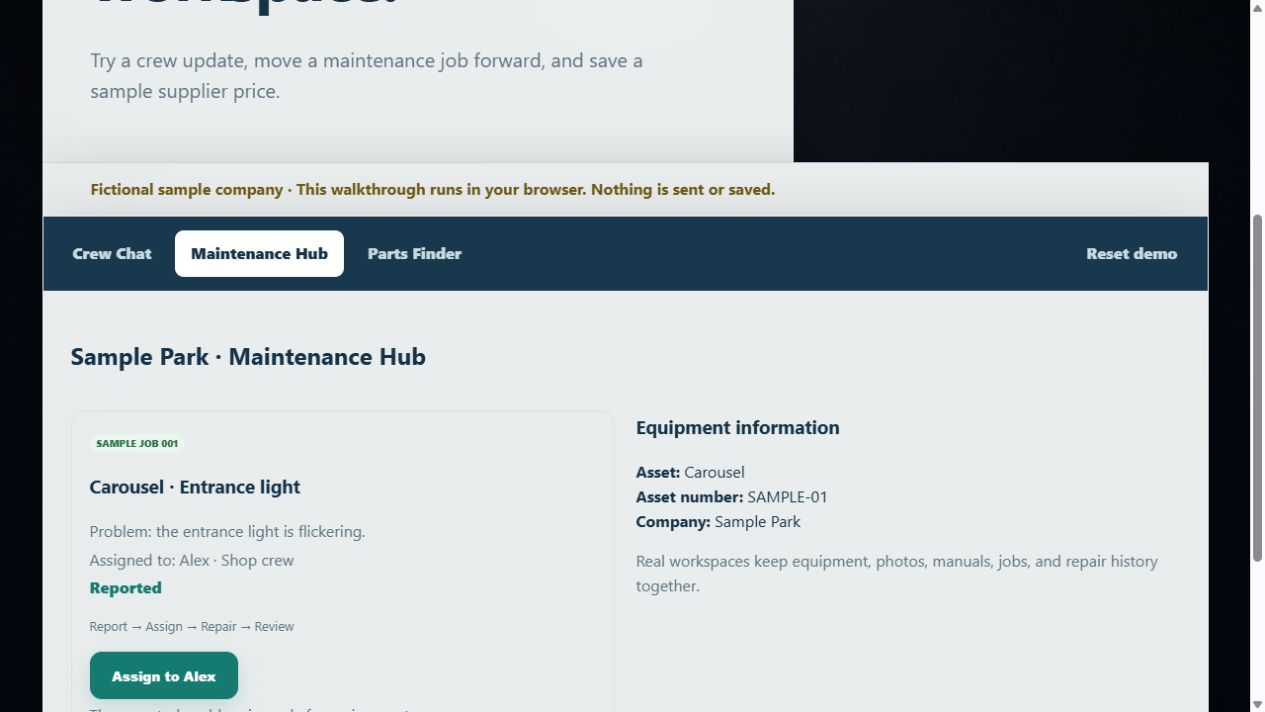
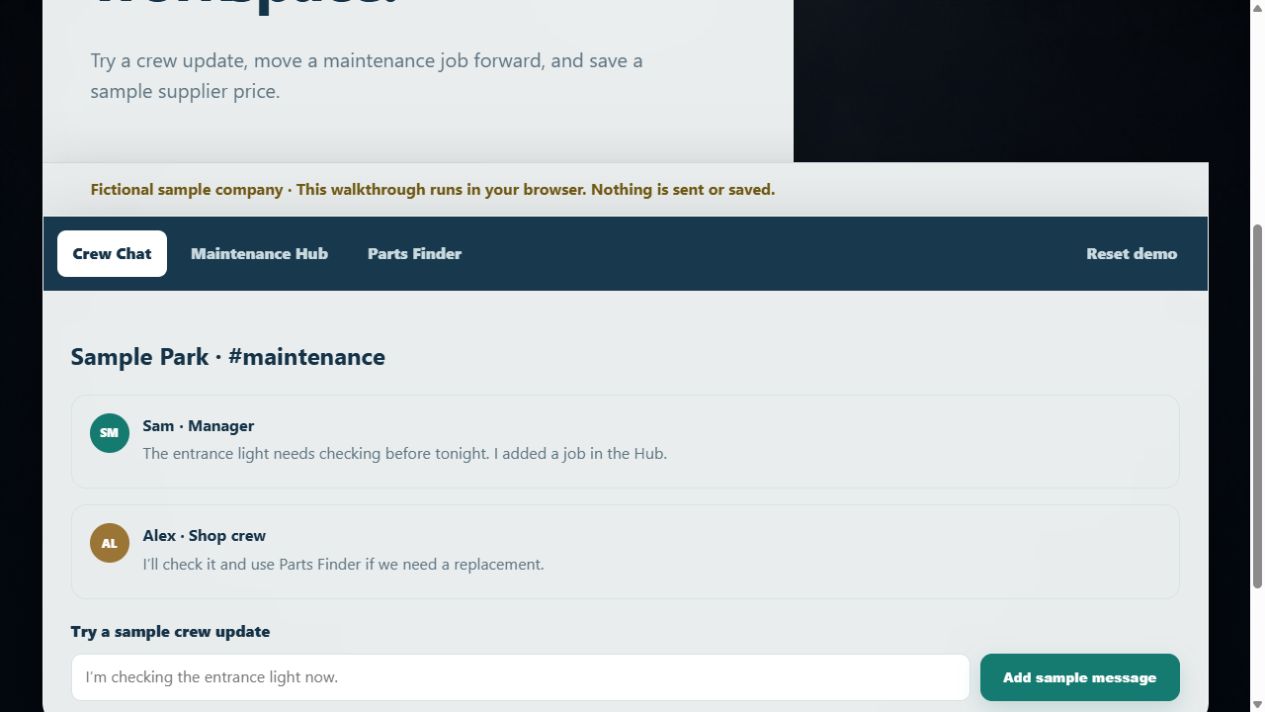
Link each order to the matching work order in Maintenance Hub. Over time, these records can show which suppliers and part types have worked well for each machine. You can track work orders, completion notes, photos, and equipment history in Maintenance Hub. For guidance on keeping records your crew will actually use, read how to keep equipment maintenance records your crew actually uses.
To see how these records fit together, explore the sample workspace at Teamstead Crew before setting up your own. Teamstead Crew requires an internet connection, so keep a simple offline fallback, such as a printed copy of key equipment records, for job sites with poor signal.
Set up your records in one place. Create Your Workspace to start tracking equipment, work orders, and parts in Teamstead Crew.
Frequently Asked Questions
Where can I get replacement parts for equipment?
Replacement parts typically come from four channels: the equipment manufacturer, an authorized dealer, an independent parts supplier, and used or salvage sources. Manufacturers and authorized dealers are the most direct route to genuine OEM parts, but independent suppliers often carry aftermarket and hard-to-find components. Whichever channel you use, confirm the make, model, and serial number before ordering, and ask the supplier to confirm fitment in writing. Pricing, stock, and lead times vary by supplier and part, so compare current quotes rather than relying on a single source.
What information do I need to identify a replacement part?
Start with the equipment make, model, and serial number, which are usually on a data plate or identification tag on the machine. Next, collect the part name, the position on the machine, and any part numbers printed on the old component. If you have an exploded diagram or parts catalog for the model, use it to match the component to its reference number. Photos of the part from several angles, along with measurements where practical, help suppliers confirm the correct item before you buy.
How do I find a replacement part if it has no part number?
Begin by identifying the machine precisely, then describe the part's function, location, dimensions, and mounting points. Photograph the component with a tape measure or reference object in frame, and note any stamped or cast markings, even partial ones. Compare the part against the parts catalog for the same model, and ask a dealer or supplier to cross-reference it. Keep a record of what you find so the next time this part needs replacing, the lookup takes minutes instead of hours.
How can I check whether a replacement part is compatible?
Confirm compatibility by matching the part's specifications to the equipment's make, model, and serial range, since manufacturers often change parts partway through a production run. Ask the supplier to state fitment in writing and to list any cross-reference numbers they used. Where possible, compare the part's dimensions, connections, and ratings against the original. If the part will be installed by your crew, have the technician check fit before the machine goes back into service.